Mobile-friendly access
Use Tully on the devices your team already has.
Tully is a mobile-friendly web application that fits into the way your team already works. Open it in a browser on a phone, tablet, or laptop, then set up the access pattern that makes sense for each training space.
One flexible application
Use a shared station, a coach-controlled screen, or an athlete’s own device. Tully supports the same connected experience across all three.
Explore the platformSetup guidance
Configure access around the training floor.
Start with the devices you have today. Follow these simple steps for getting started on mobile, tablet, and laptop devices.
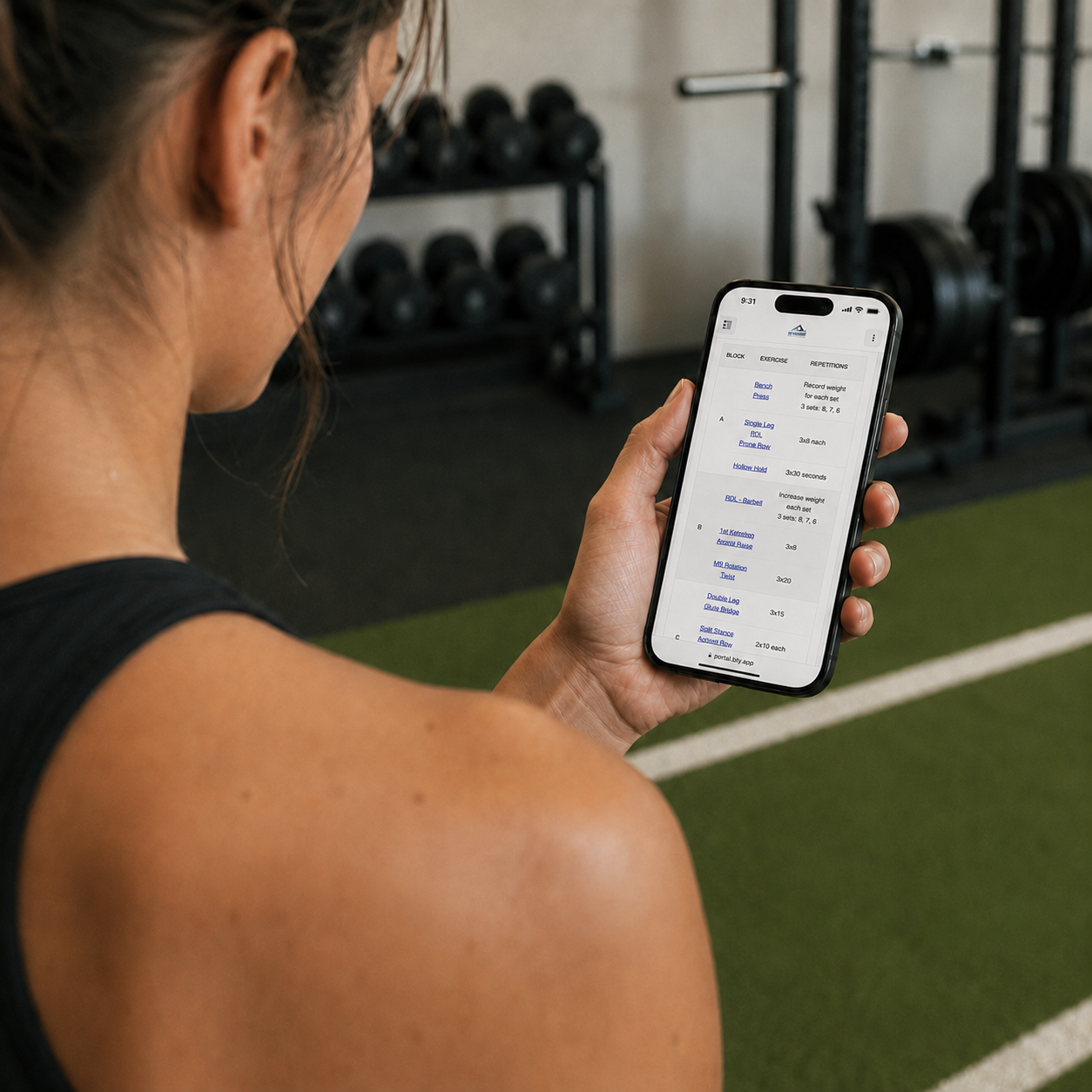
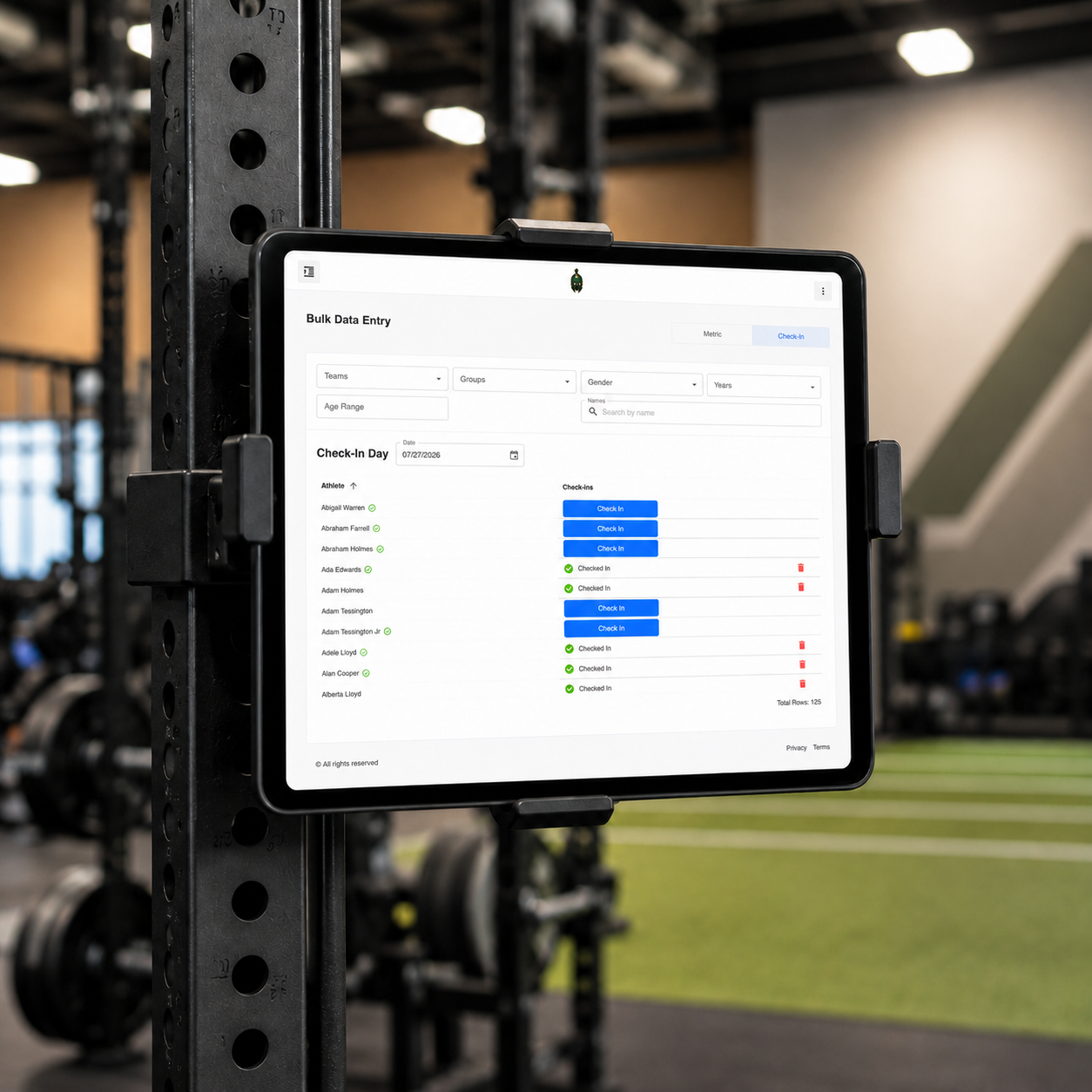
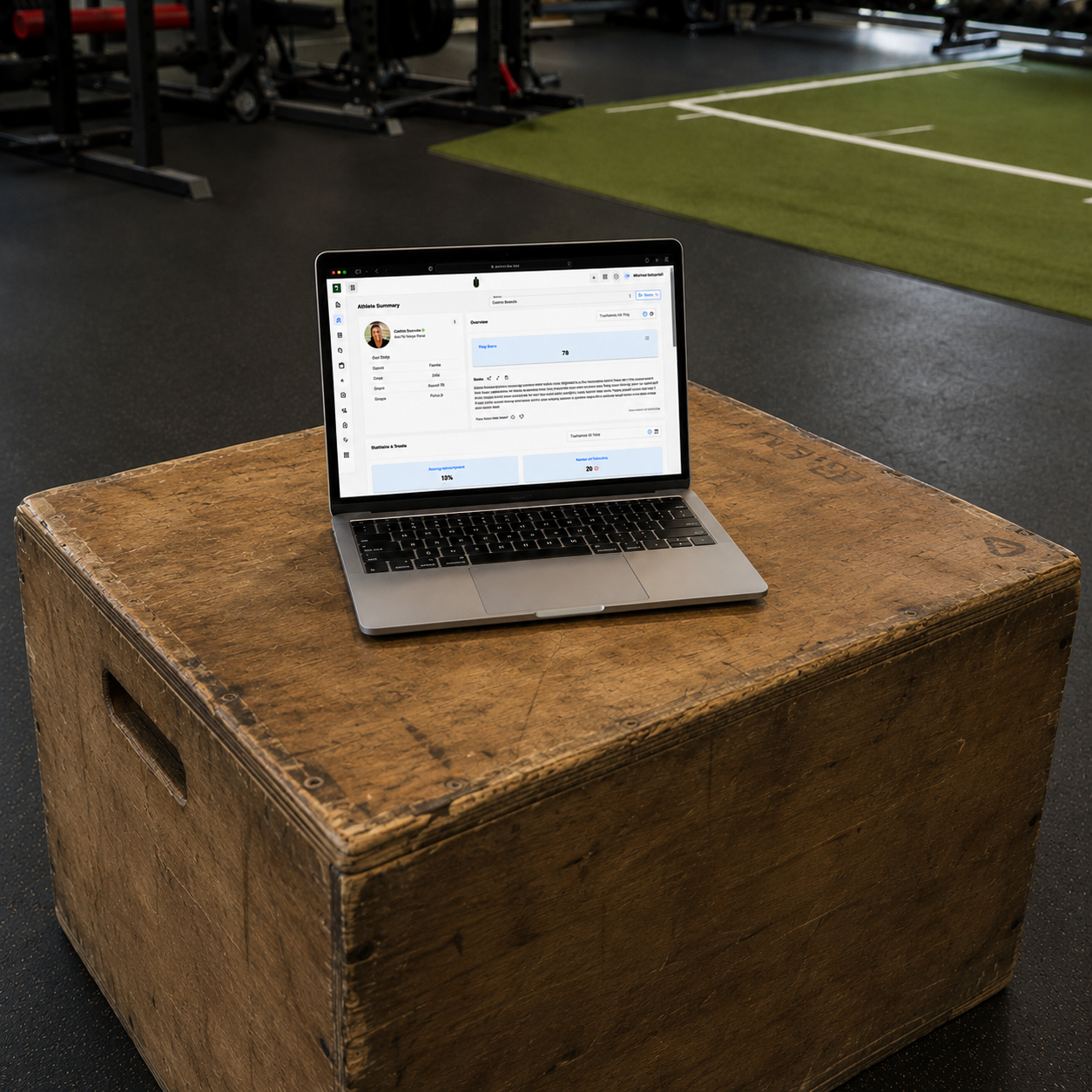
Optional app setup
Set up App Icons on your devices
Add Tully to your iPhone or Android home screen for faster access between training sessions.
iOS
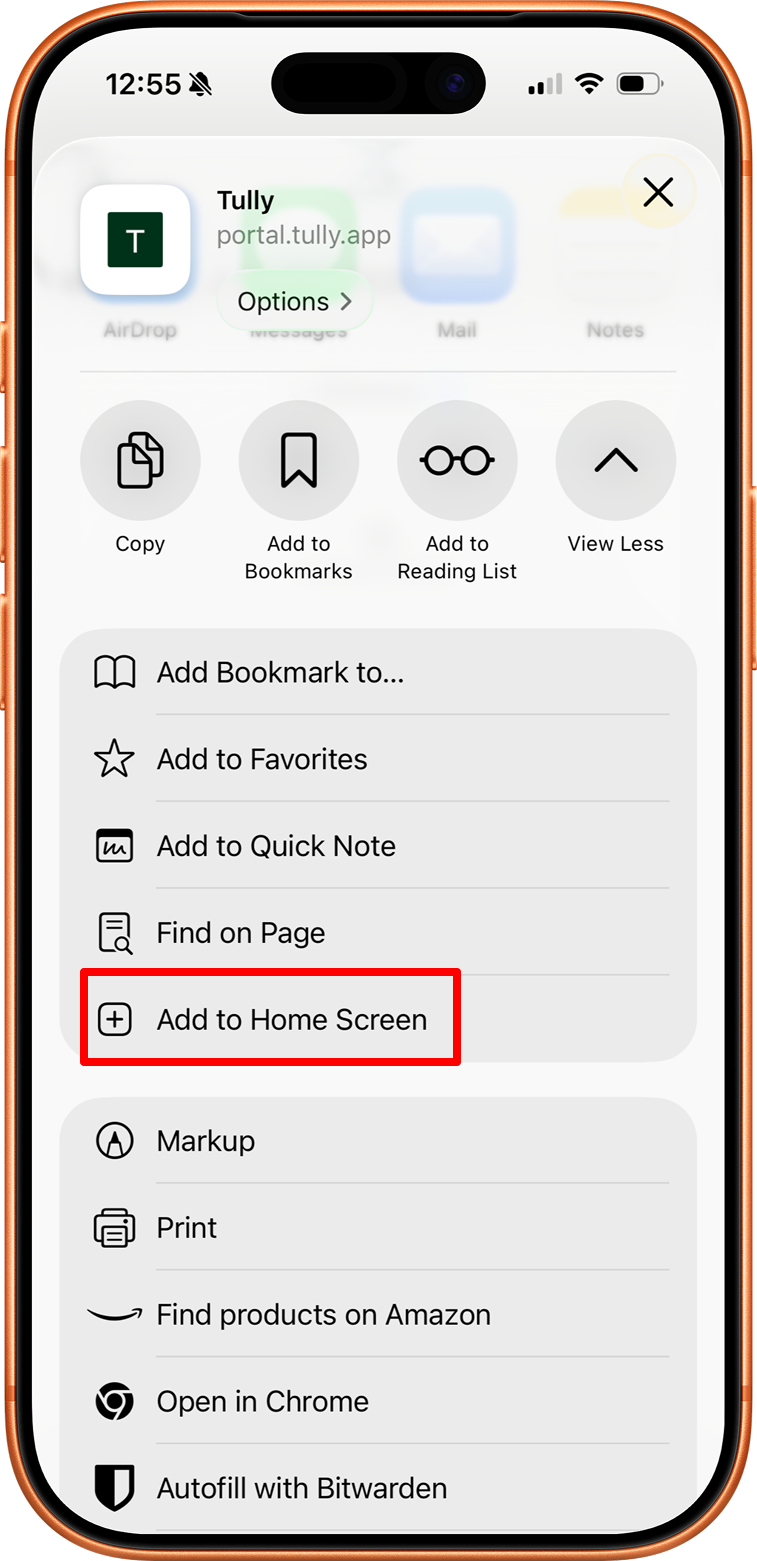
- Open Safari and visit portal.tully.app.
- Tap the More button, then tap Share
- Tap Add to Home Screen
- Turn on Open as Web App
- Tap Add
Android
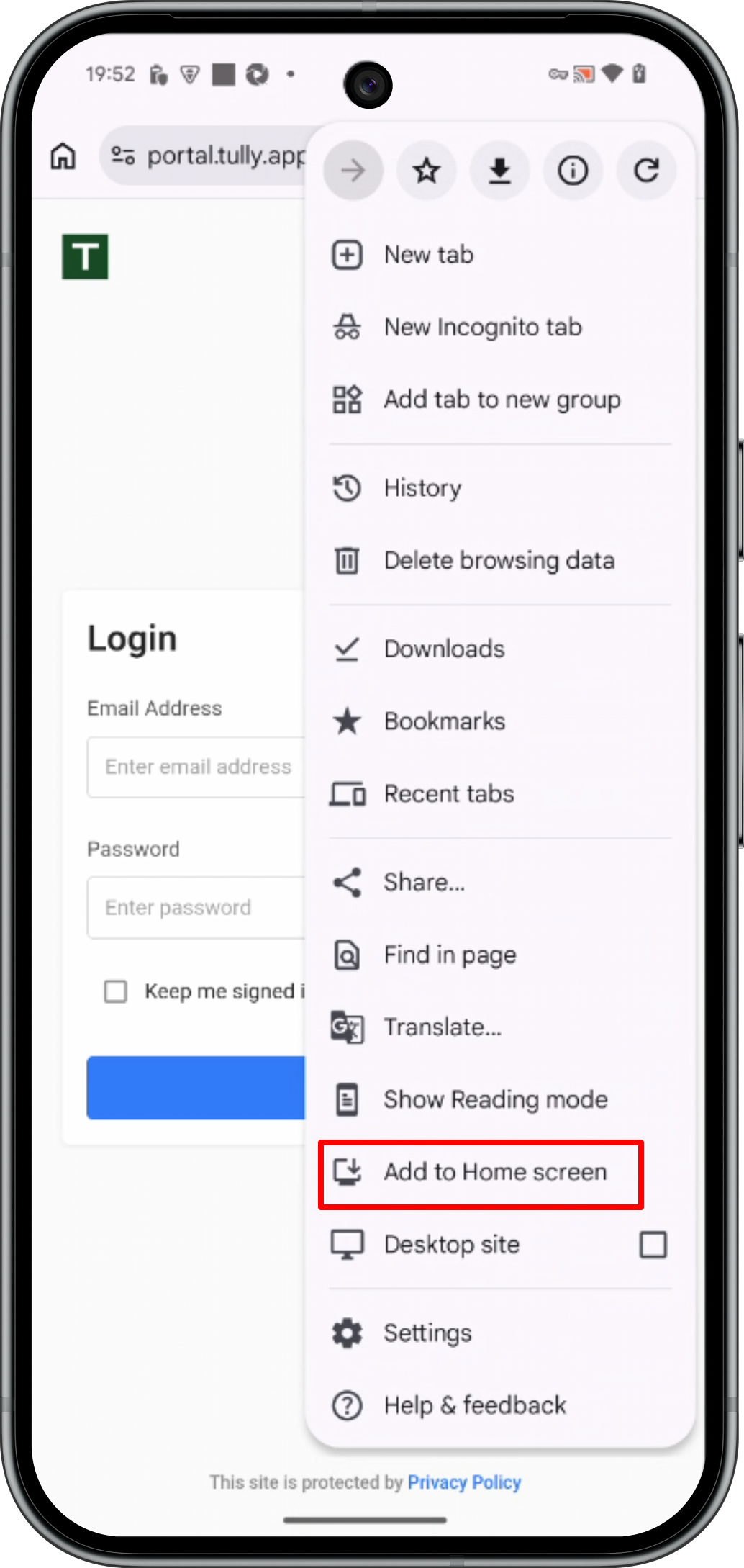
- Open Chrome and visit portal.tully.app
- Tap More (⋮)
- Choose Add to Home Screen
- Follow the on-screen instructions
Practical by design
Keep the experience consistent while the hardware stays flexible.
- No separate native app rollout is required for everyday access.
- Use shared devices for stations, check-in desks, and testing areas.
- Let athletes access their own training and progress from a phone.
- Move between on-premises, hybrid, and remote training without changing platforms.